
Download Wallpaper Cycler – Dynamic Wallpaper, Rotating Wallpaper, Custom Wallpaper, Free Wallpaper App
Overview
Wallpaper Cycler is a long-standing utility designed to transform the static nature of smartphone desktops into a dynamic, ever-changing visual experience. For users who find repetitive backgrounds monotonous, this app offers a practical solution by enabling automatic wallpaper rotation based on customizable settings. Its primary purpose is to enhance personalization and visual engagement by cycling through a curated collection of images, allowing users to enjoy variety without manual intervention. The app caters to individuals seeking a more immersive and expressive device interface, particularly those who appreciate visual variety in their daily digital interactions.
Developed by Jason K. Menard, Wallpaper Cycler has been available since 2009, reflecting its enduring relevance in the Android ecosystem. While the developer did not provide additional technical details about the app’s architecture or future roadmap, its longevity suggests consistent functionality and user satisfaction. Real-world use cases include daily mood-based customization—switching between nature scenes during morning hours and energetic sports images in the evening—or organizing wallpapers by themes such as movies, art, or travel. This level of personalization enhances the emotional connection users have with their devices, turning the home screen into a living canvas.
Within the broader app ecosystem, Wallpaper Cycler fills a niche for lightweight, no-frills tools that prioritize core functionality. As a free productivity utility, it contributes to the Android environment by offering a simple yet effective way to personalize the user interface without compromising system performance.
Key Features & Functionality
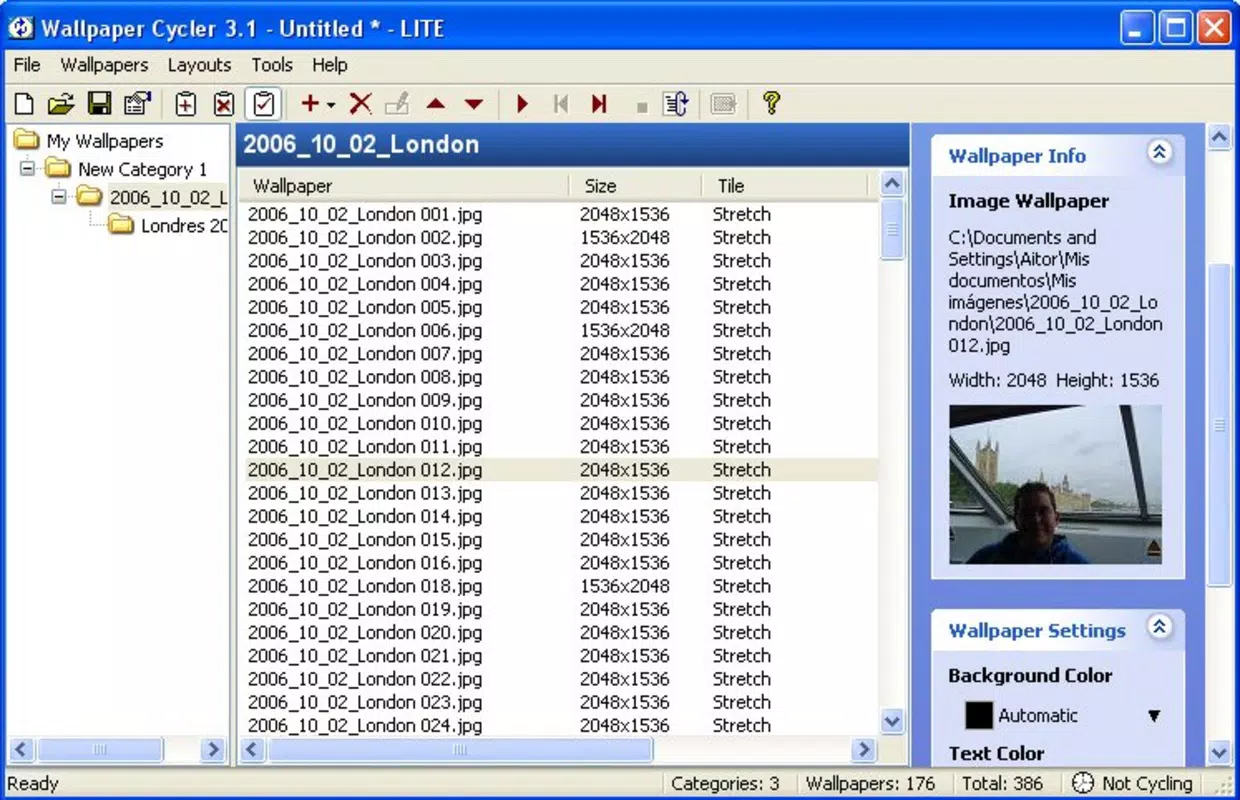
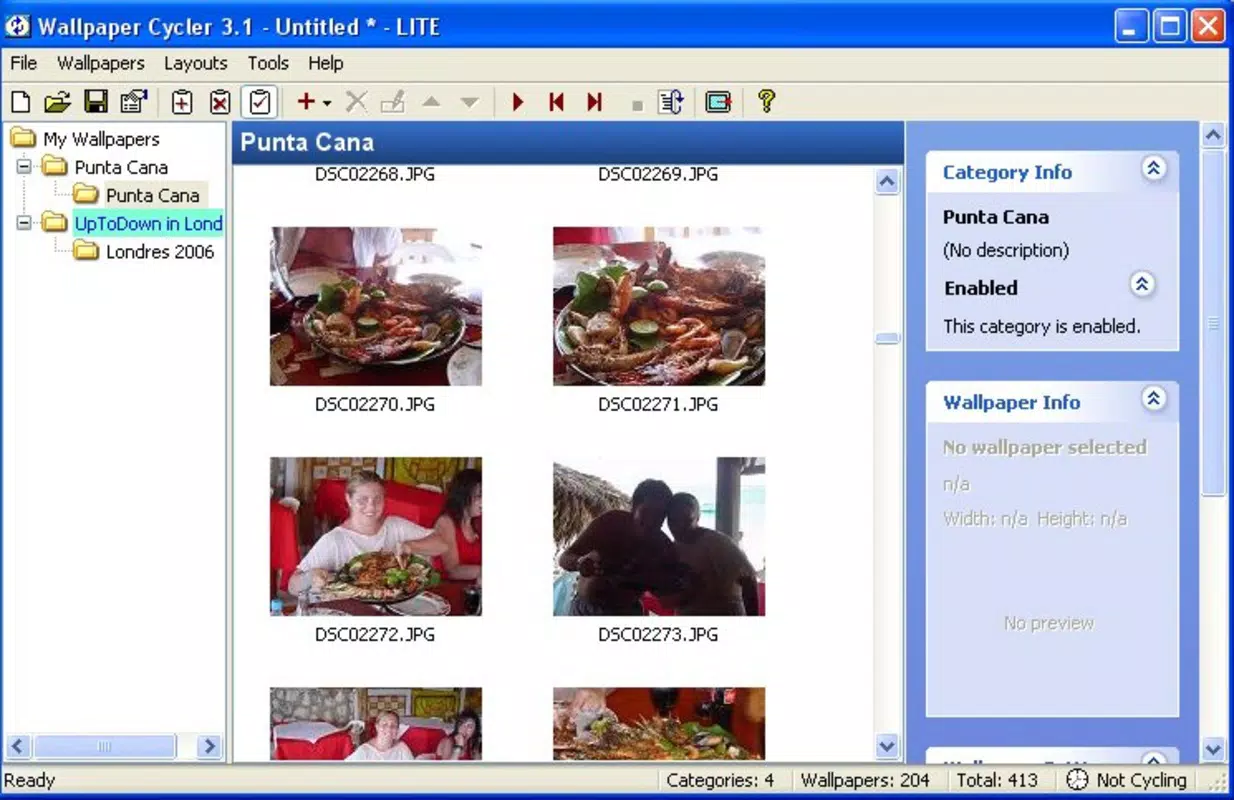
- Custom Wallpaper Categories: Organize your image collection into distinct themes such as nature, sports, or movies. This allows for structured management and enables users to switch between thematic displays based on time of day or personal preference.
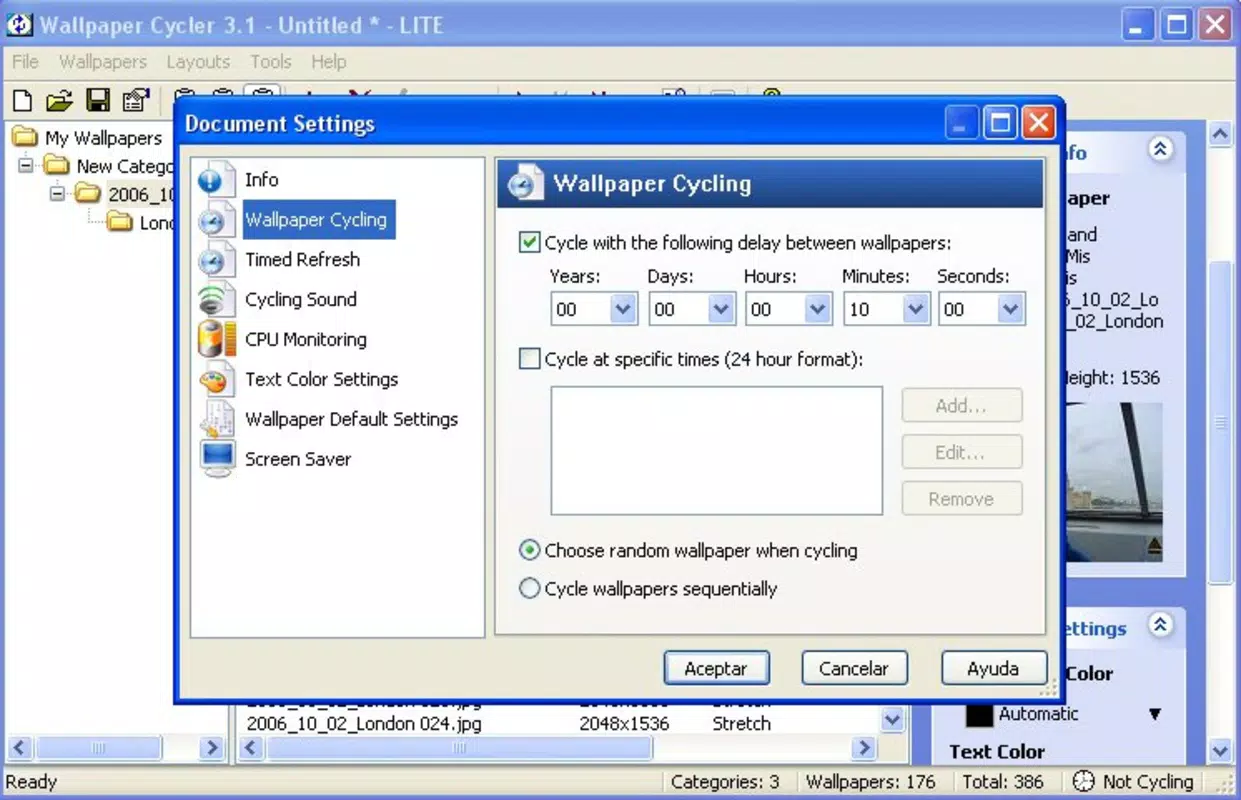
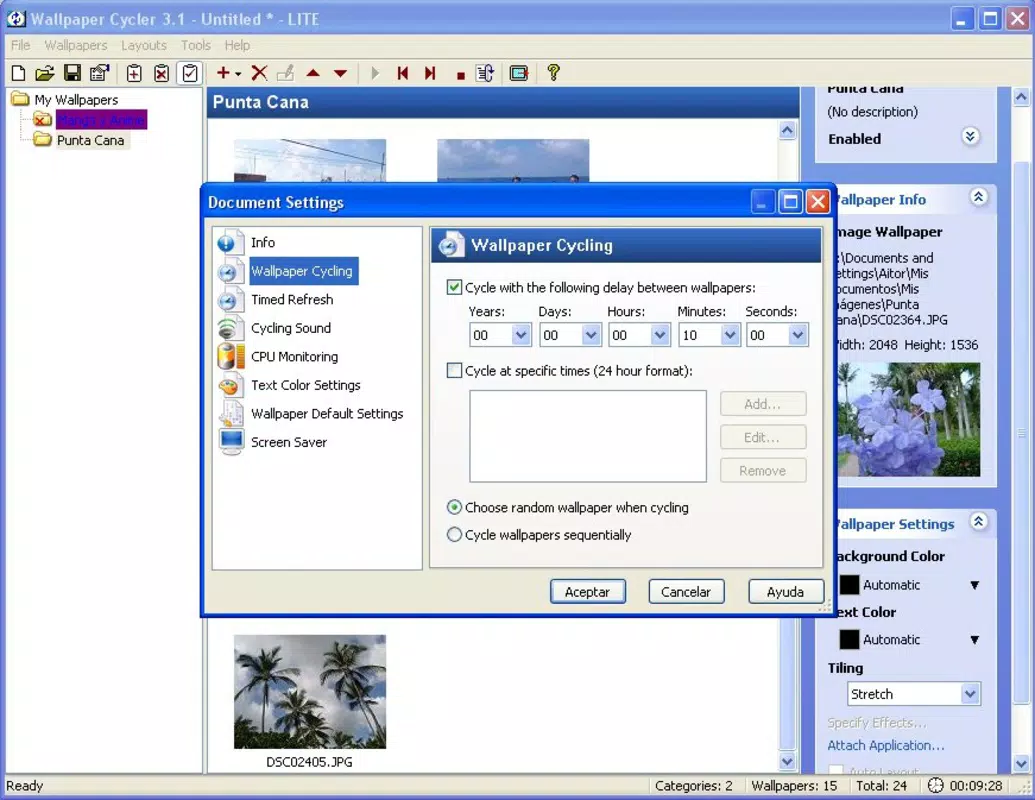
- Flexible Display Duration: Set how long each wallpaper remains visible, or assign specific times for different backgrounds. This feature supports both short-lived transitions and extended displays, giving users full control over their visual experience.
- Rotation Effects: Choose from various transition effects—such as fades or slides—when switching between wallpapers. These effects enhance visual appeal and add a layer of polish to the rotation process.
- Image Effects Options: Apply filters or visual enhancements directly to wallpapers before display. This allows users to adjust brightness, contrast, or apply artistic filters to keep the visuals fresh and engaging.
- Free and User-Friendly Design: The app is completely free of charge and built with simplicity in mind. There are no complex setup steps or intrusive onboarding processes, making it accessible to users of all technical skill levels.
For example, a user might configure the app to display nature-themed wallpapers from 7 AM to 10 AM, switch to motivational quotes between 10 AM and 1 PM, and transition to abstract art in the evening. The ability to assign specific durations and effects ensures that each rotation feels intentional and visually pleasing. These features collectively support a personalized digital environment that evolves with the user’s daily rhythm.
Interface, UX & Performance
The user interface of Wallpaper Cycler is designed around simplicity and direct access to core functions. The layout prioritizes ease of navigation, with clearly labeled sections for managing categories, setting rotation intervals, and selecting transition effects. Visual elements are minimal, focusing on functionality over ornamentation, which aligns with its utility-focused purpose. Navigation flows logically from setup to customization, reducing the learning curve for new users.
Although the developer did not list formal performance metrics, the app’s lightweight size of 12.8 MB suggests efficient resource usage. This size is well-suited for older Android devices and ensures minimal impact on battery life and memory. Responsiveness appears to be consistent across device categories, as the app operates without requiring high-end hardware. Stability is implied by its long-term availability, though specific crash reports or update frequency were not disclosed.
Users can expect smooth transitions between wallpapers, especially when using standard fade effects. The app does not appear to rely on constant background processes, which contributes to its low system footprint. While real-world performance may vary depending on device capabilities, the overall experience remains consistent with the expectations of a lightweight, long-running utility.
Platform Compatibility & Technical Requirements
Wallpaper Cycler is available exclusively on the Android platform. The current software version is 2.2.0, released on July 1, 2009. The app has a file size of 12.8 MB, making it suitable for devices with limited storage space. Specific requirements such as minimum Android OS version or hardware specifications were not listed by the developer.
Given the app’s age, compatibility with modern Android versions cannot be confirmed without official documentation. However, its continued availability suggests ongoing support or backward compatibility. Users should verify functionality on their specific device model and OS version, especially if using a recent Android release. The developer did not specify whether updates are still being released or what the app’s future development plans may be.
Pros and Cons
Pros
- Completely free to download and use with no in-app purchases or ads.
- Simple, intuitive interface suitable for users of all experience levels.
- Supports customizable categories and time-based wallpaper scheduling.
- Offers multiple transition effects and image enhancement options.
- Lightweight design with minimal impact on device performance.
Cons
- Development activity and update frequency are not publicly disclosed.
- Specific compatibility details with modern Android versions were not provided.
- Advanced customization options may be limited compared to newer alternatives.
- No built-in gallery or image sourcing tool—users must manage their own image library.
- Outdated release date may raise concerns about long-term support.
FAQ
Is Wallpaper Cycler safe to download and install?
Yes, the app is available through official Android channels and has been in use since 2009. As a free utility, it does not require sensitive permissions beyond basic storage access for image management.
Can I use my own images with Wallpaper Cycler?
Yes, the app allows users to select and organize their own image files from the device’s storage. There is no requirement to use preloaded or third-party content.
Does Wallpaper Cycler work on iOS devices?
Currently, the app is only available for Android. No iOS version has been released or announced by the developer.
How often can I update the wallpaper rotation schedule?
Users can set rotation intervals and specific times for different wallpapers, allowing for frequent or infrequent updates based on personal preference.
Is there a way to preview the effects before applying them?
While the developer did not specify preview functionality, most similar apps in this category include real-time previews. Users are advised to test settings within the app to confirm visual outcomes.
Final Thoughts
Wallpaper Cycler remains a reliable, no-cost solution for users seeking to elevate their smartphone experience through dynamic visuals. Its straightforward design, combined with customizable rotation schedules and visual effects, makes it a valuable tool for personalization. Despite its age, the app continues to serve its core purpose effectively, particularly for users who value simplicity and control over their device’s appearance.
Those who enjoy organizing their digital environment by mood, time of day, or theme will find the app’s category and timing features especially beneficial. Its lightweight nature ensures compatibility across a wide range of Android devices, from older models to newer ones. For users who prioritize functionality over flashy design, Wallpaper Cycler delivers consistent performance without unnecessary complexity.
Download Wallpaper Cycler now


